


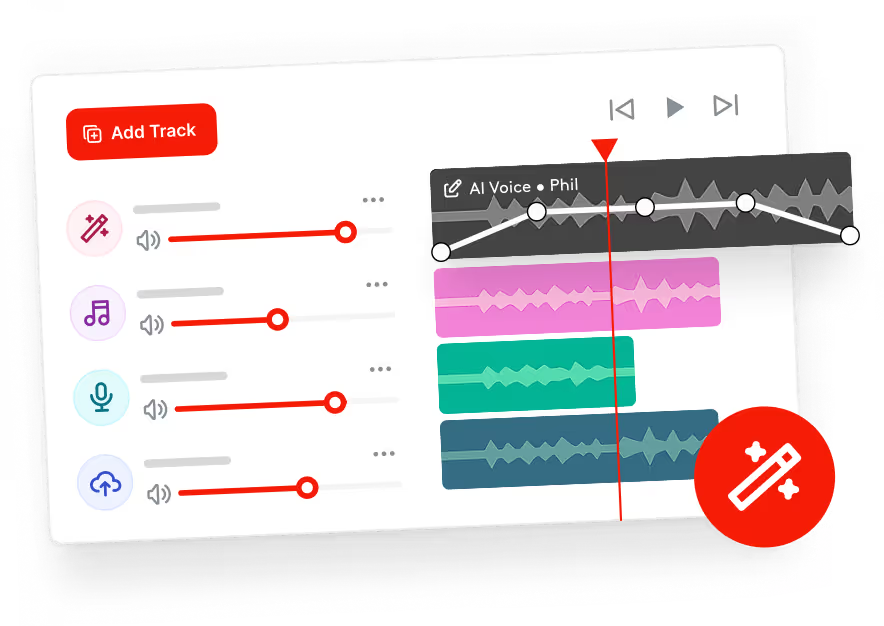
Stop jumping between apps. Record, generate, and mix broadcast-ready segments without ever leaving your dashboard. Save time, slash costs, and stay sharp.
Included in the Standard plan and above.




Here are quick answers to all your questions about Voice Studio. Still need some help?
Get in touch

Absolutely. These voices are crafted to sound just like the real deal, perfect for radio, promos, and announcements.
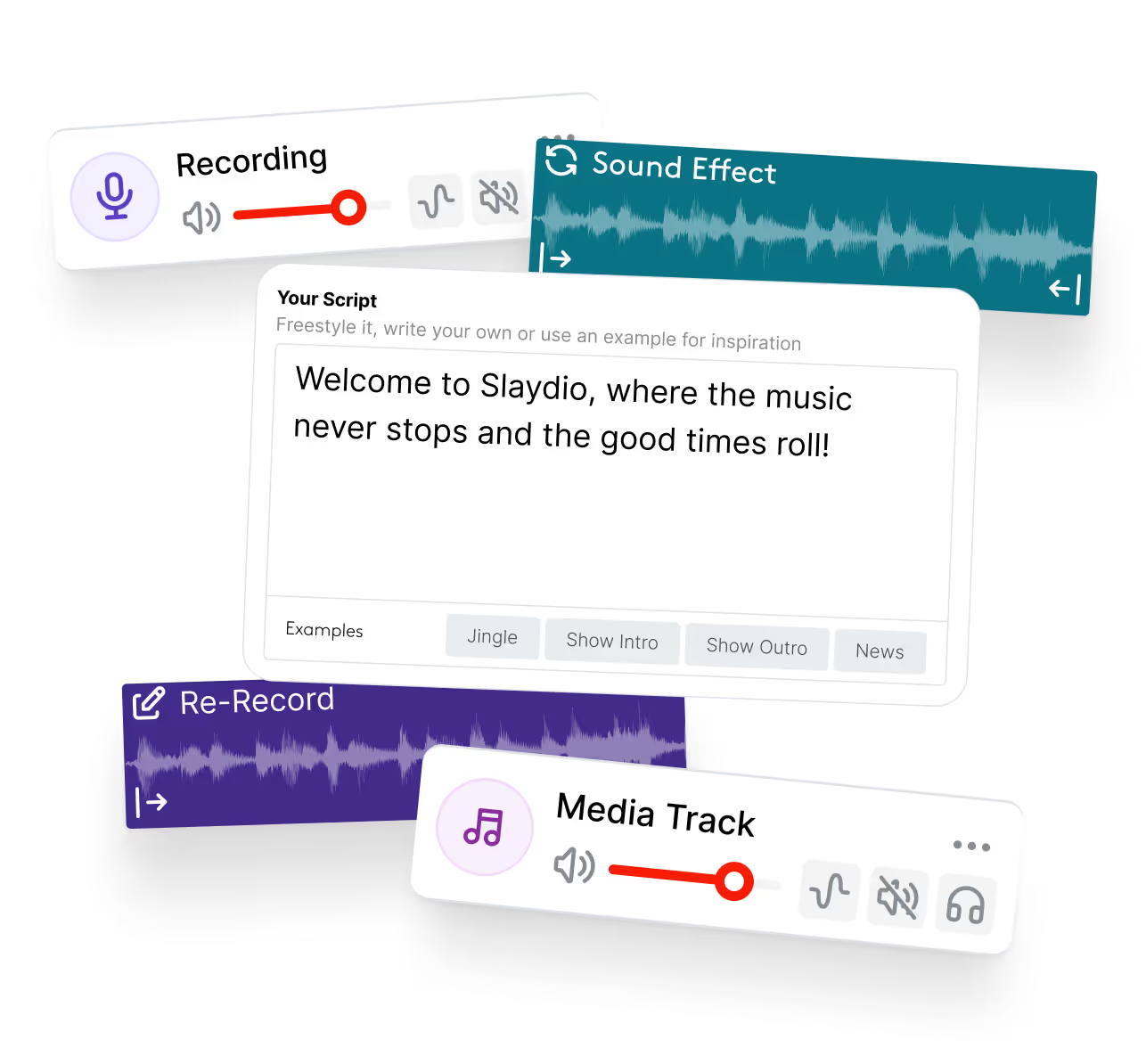
Yes. You can record your own voice and mix it alongside AI-generated speech, music, and effects.
No. Voice Studio is designed for broadcasters, not audio engineers. If you can write a script, you can produce a finished track.
Voice Studio is available on Standard plans and above. Applicable plans come with a monthly credit allowance, with extra credits available to purchase anytime.
Yes. Finished voice tracks can be downloaded and used wherever you need them, be it locally on your laptop or uploaded to another service.
No. Voice Studio is designed to support automation, fill gaps, and speed up production, not replace human creativity.
Credits are consumed when generating AI voice audio. The number of credits used depends on how long the generated voice track is. Your plan, from Standard and above, includes a monthly credit allowance that resets automatically. As a guide, 1 character equals 1 credit. At typical speech speed, 10 seconds of audio uses around 150 credits, depending on voice and delivery.


