Need advice? Let's talk.
Get straightforward guidance from your broadcasting partner. Schedule a call to chat with the team about your radio station.
Book DemoCommon Problems in Online Radio Broadcasting (& How To Fix Them)
Keep running into the same problems with your internet radio station? From confusing tech setups to licensing rules, this guide covers how to solve the most common online radio problems.


Setting up your own radio station can be hugely fulfilling, but it comes with its fair share of challenges. We took it upon ourselves to find out exactly what ticks the internet radio community off - and provide some of our best solutions and advice. From mysterious lagging audio to complicated licensing, we understand that digital radio shouldn't be this hard.
In this article, you’ll find some of the most common problems internet radio broadcasters run into, alongside practical solutions for each one.
Something missing? We're always looking for ways to make broadcasting easier. If you have an idea, a feature request, or simply something you think could work better, we'd love to hear from you. Let us know here: https://www.radio.co/feedback.
Confusing Technical Setup
One of the most common problems experienced by users trying to start their own internet radio station is the technical setup. For beginners, there’s tons of jargon to sort through - hardware, software, different programs, encoders, hosting platforms - and even if you’re an experienced radio broadcaster, technology can sometimes get the better of many of us.
Issue 1: Connecting a Physical Mixer to Streaming Server Software
Many broadcasters struggle to connect physical mixers or consoles to software-based streaming servers.
The Fix:
- Using an external microphone or mixer? If it can connect directly to your computer, ensure this device is selected as the audio input in the computer system settings and your broadcasting software.
- If it can't, connect it to an audio interface and connect your audio interface to your computer. In your computer's system settings, select your audio interface as the audio input. Do the same in your broadcasting software.
- Using a virtual mixer? Within the virtual mixer programme, set your audio output to a virtual audio cable. Within your broadcasting software, select your virtual audio cable as your audio output.
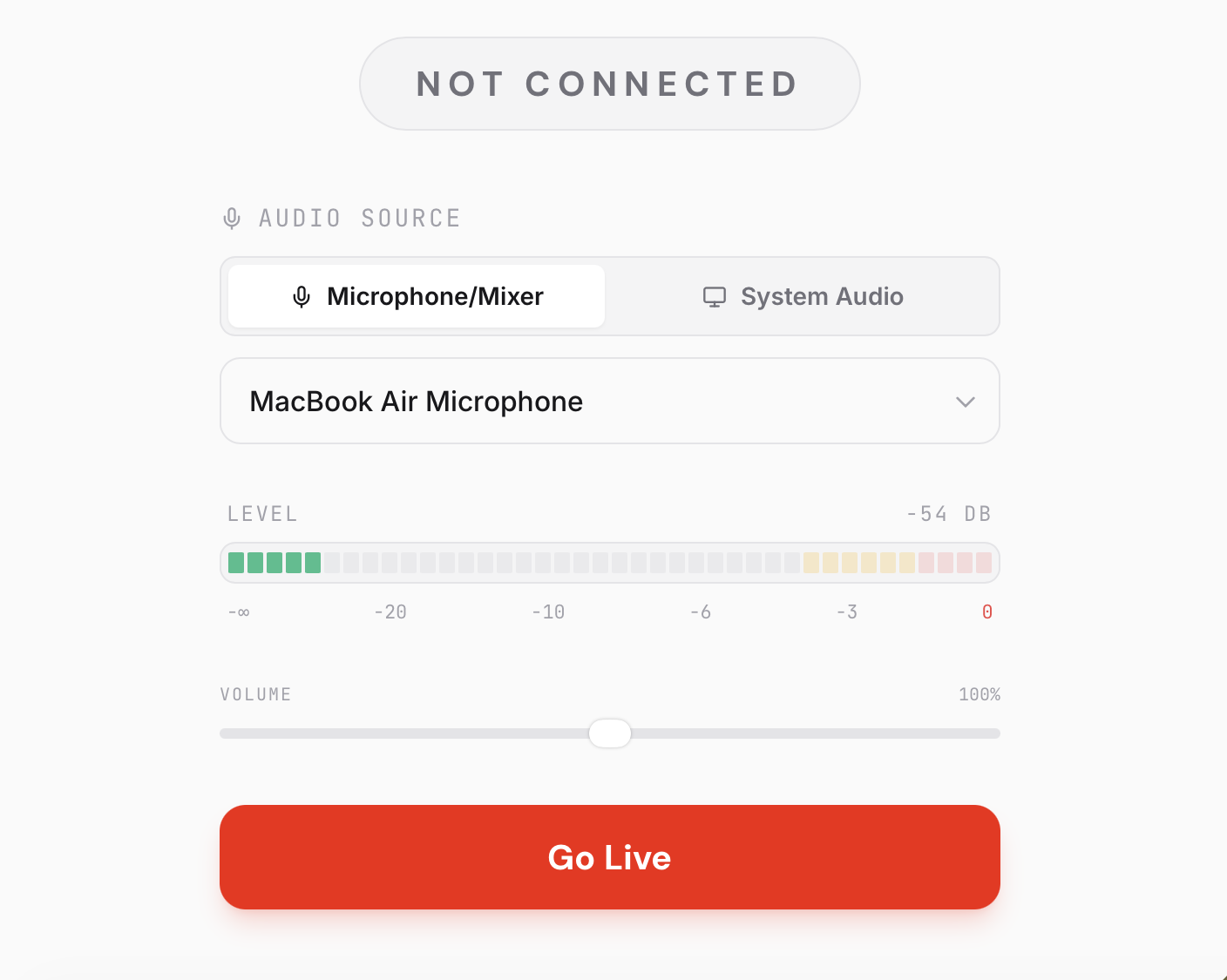
- For the simplest solution, use Radio.co's Live feature to go live from the Radio.co dashboard and in your browser. This gets rid of the need to use other broadcasting software.
Issue 2: Unexplained Audio Lag During Live Broadcasts
Broadcasters often experience slow and laggy audio, for no reasons linked to WiFi or software.
The Fix:
How to resync your stream:
- Match Hardware to Your Server’s Sample Rate: Streaming servers use a specific frequency standard. For example, Radio.co uses 44.1 kHz. If your audio interface is set to a different rate, your encoder has to resample the audio in real-time, causing delays. Change your audio settings and your encoder software to the same sample rate.
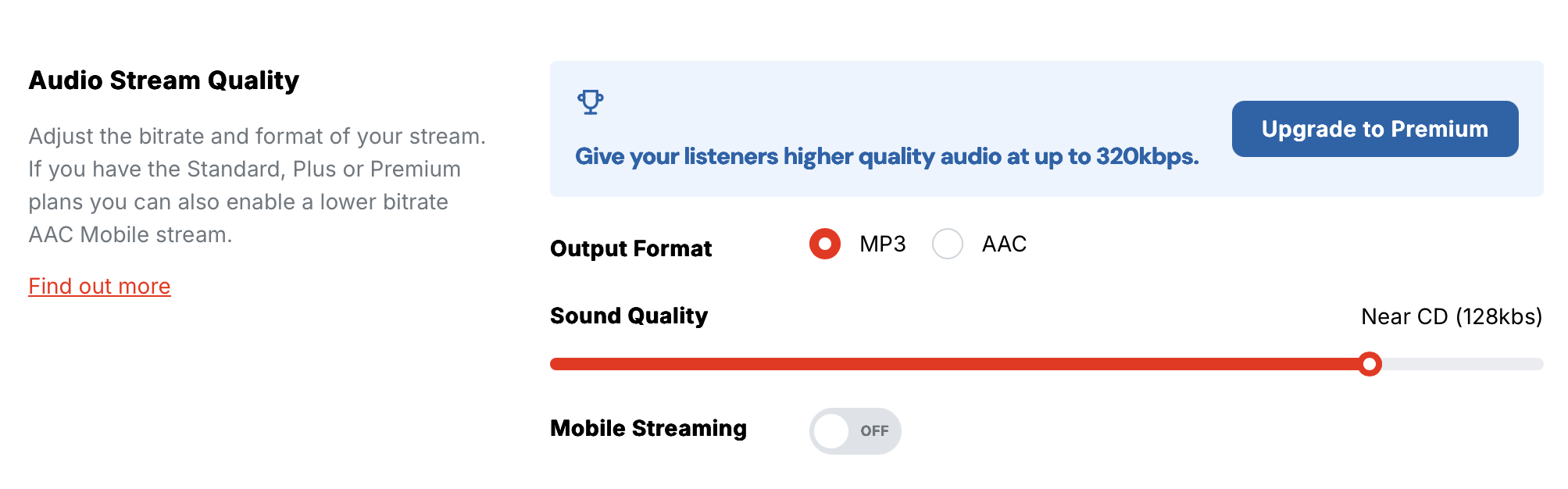
- Align Your Bitrates: If your software pushes a higher bitrate than your server is set to receive, the stream will lag. If using Radio.co, check your Sound Quality / Bitrate in Settings and set your encoding software to the exact same bitrate and audio format.
- Clean Up Media Files and Metadata: Corrupt or unstandardised files can cause cloud media players to stall. Upload tracks to your media library in the same format and remove “Unknown” tags in the artist or title metadata fields.
Issue 3: When You Can't Batch Upload Tracks to Your Station
Inefficient systems, such as not being able to batch upload tracks.
The Fix:
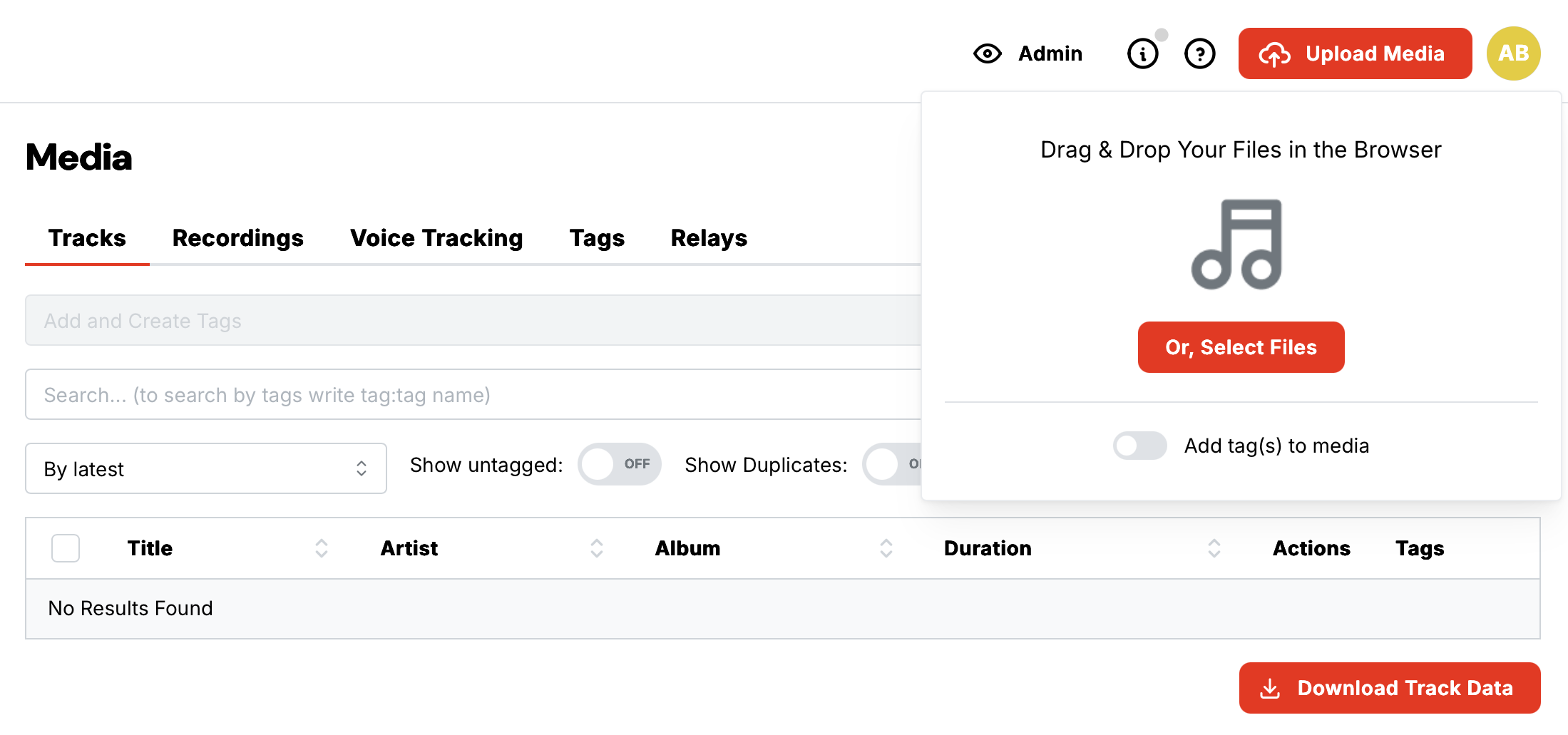
- Drag-and-Drop Batches in Browser: With Radio.co, there is no need to upload files individually. In your Dashboard, navigate to Media > Upload Media, and drag an entire group of tracks or folders directly into the browser window to upload them all simultaneously.
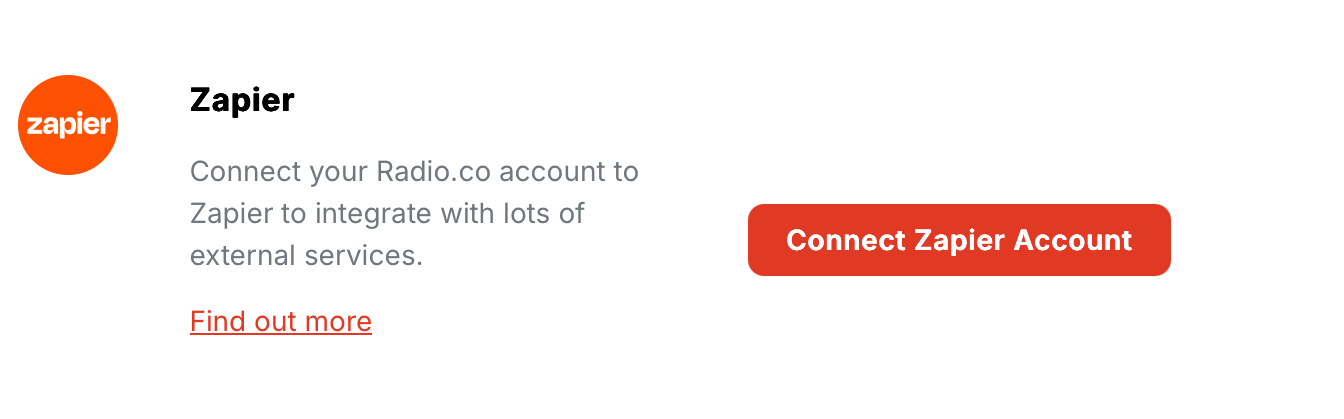
- Automate via Cloud Storage: Connect your Radio.co station to workflow automation platforms like Zapier (integrated with Radio.co). You can set up a “Zap” that automatically pushes new audio files directly to your station’s media library the moment you add them to a particular dropbox or Google Drive folder.
Issue 4: Station IDs and Jingles Cluttering Your Visual Player
Repetitive jingles and station IDs are cluttering users’ visual players, blocking the actual song artwork.
The Fix:
Try this:
- Enable Metadata Masking: If you are broadcasting live via third-party software like Mixxx, configure your encoder to block metadata updates for tracks under a certain length (e.g. under 60 seconds). This keeps the previous song’s title and artwork on the screen until the next full track begins.
Budgets, Licensing & ROI
Setting up an internet radio station often comes with some behind-the-scenes financial and legal complexity. Whether you’re just starting out and have a small budget, or an established broadcaster trying to prove your station’s worth, costs, licensing, and ROI are not straightforward.
Issue 5: Music Licensing Confusion Holding New Stations Back
High costs and legal confusion around music licensing stop many users from getting started, often pushing people to pricier platforms like Live365 because licensing is included.
The Fix:
While platforms don’t usually cover licensing costs for users, the right platform can make the process far less confusing. Radio.co’s licensing guide breaks down what radio broadcasters need by country. Additionally, tools like Syndicast offer pre-cleared, licensed music that you can integrate directly into your Radio.co platform.
Pro Tip:
Managing your music licensing independently can often work out cheaper than choosing a platform that handles it for you, particularly for smaller stations just getting started. Look into bodies like PRS and PPL (UK) and SoundExchange (US) to license your station correctly for your country.
Issue 6: Growing a Radio Station on a Tight Budget
Creators want to build a community or radio station but don’t have large budgets to invest in it.
The Fix:
There are plenty of platforms out there offering budget-friendly packages for aspiring internet radio broadcasters cough Radio.co cough. With a range of plans available at different price ranges, our platform comes with everything you need to get a professional, high-quality radio station up and running smoothly.
Other broadcasting platforms perfect for broadcasters on a budget include:
- BUTT: A lightweight, free-to-download platform that efficiently captures your mic or plug-in audio and streams it live to a server.
- Mixxx: A free DJ suite compatible on Windows and macOS. It comes with a range of nifty features and includes built-in Icecast and Shoutcast encoders.
- AzuraCast: A free and open-source self-hosting radio suite, including media management, playlists and Icecast/Shoutcast streaming.
General Advice for Starting a Station on a Budget
- Start small and grow gradually. Focus on quality broadcasts over quantity, i.e. constantly going live with little to no preparation.
- Use a subs-model. This is where radio show hosts pay a small contribution each month for their show.
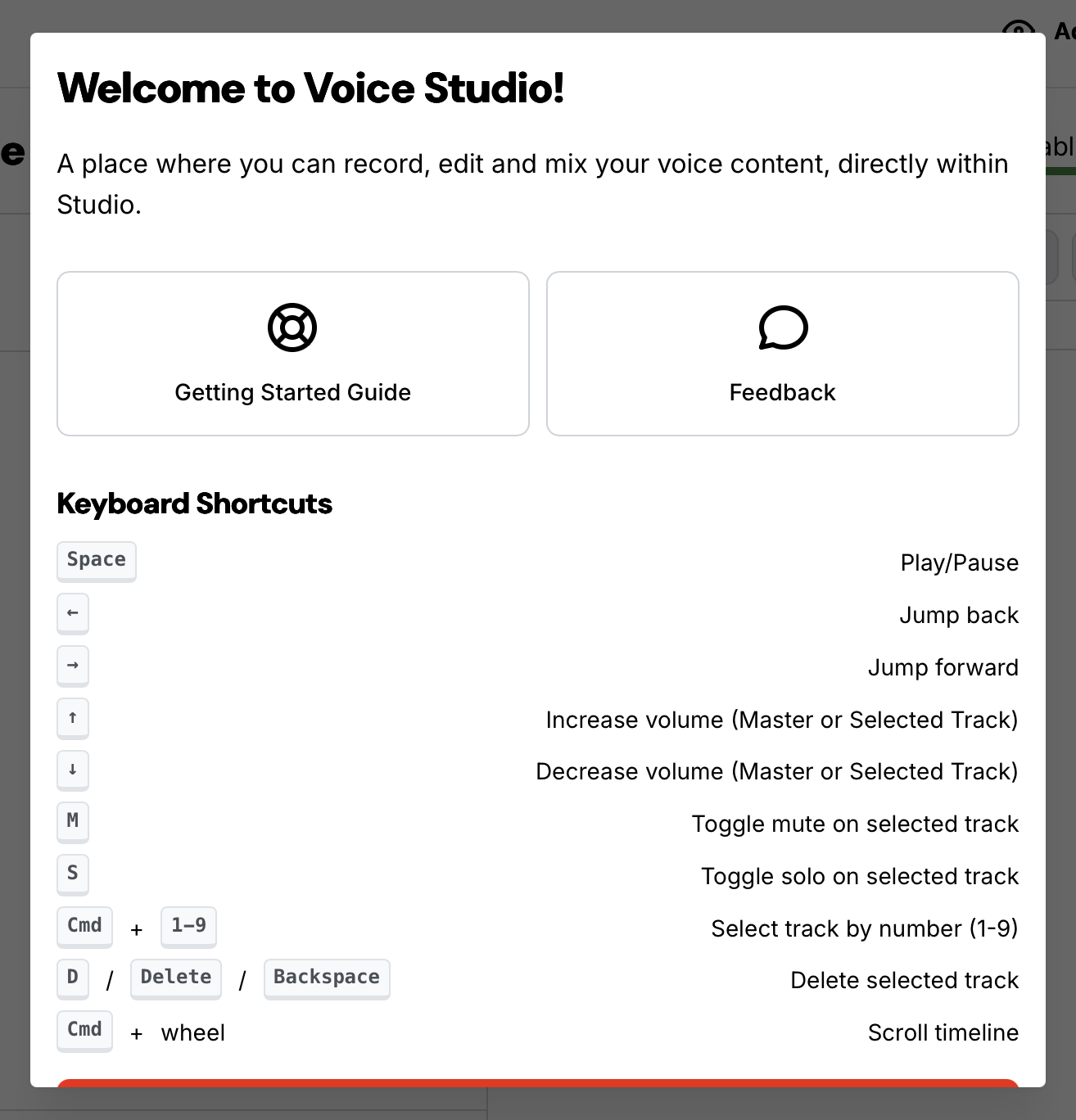
- Utilise free tools in your hosting plan to make better radio. E.g. the Voice Studio in Radio.co's Standard plan can be used to create unique radio imaging.
Read our guide on How Radio Stations Will Make Money in 2026 for more!
How to Stand Out from Everyone Else
One of the biggest challenges facing internet radio broadcasters is being heard. Producing a great show is hard enough without the added task of making sure it actually reaches and resonates with the right audience. And not everyone enjoys all aspects of running a station: broadcasters who love the technical or creative side of radio can find the marketing and growth side exhausting.
Issue 7: When Slow Growth and Bot Traffic Make Broadcasting Feel Pointless
Producing a good-quality broadcast takes real effort, but seeing actual returns is often slow, and bot traffic can make results harder to trust.
The Fix:
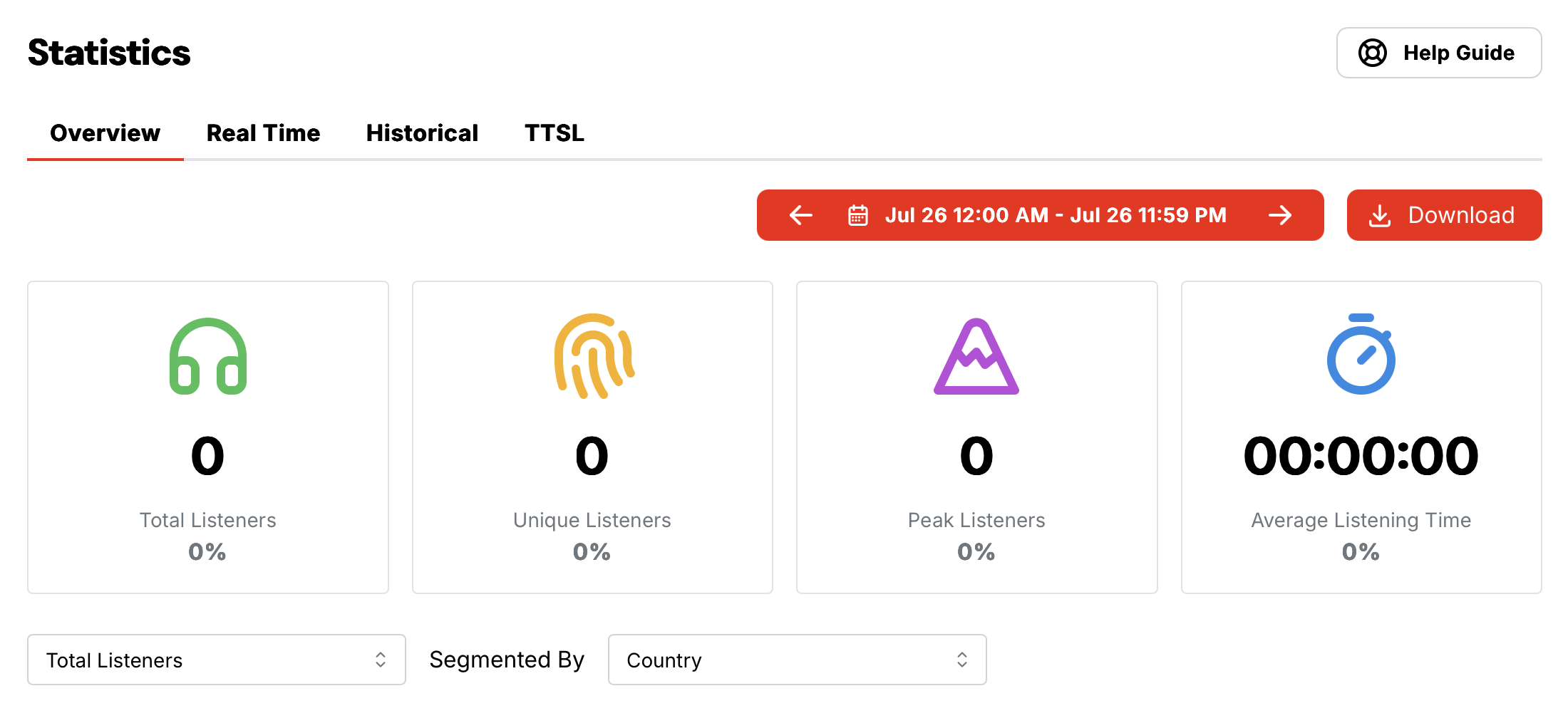
Shift your focus to engagement metrics like average listening time and listener retention. This shows whether your content is actually being listened to all the way through, and who is coming back for more. Bots don’t tend to listen to a 45 minute show.
You can work out your listener retention in Radio.co by extracting your unique listeners from your total listener count.
Pro Tip:
Remember: a smaller but highly engaged audience is far more valuable than seeing masses of listeners tune in for 3 minutes before finding a different station. Make sure your radio content resonates with your target audience instead of trying to appeal to hordes of listeners quickly.

Issue 8: Listeners Switching Off From Generic, Corporate Sound
Listeners are tired of commercialised, generic, and heavily automated playlists dominating major platforms.
The Fix:
We’ve said it before and we’ll say it again: your humanity is your greatest strength. In a world becoming more and more robotic, sterile, and disconnected, leaning into your unique, human authenticity is what will help you capture and retain listeners.
- Go Live and Interact: Break up repetitive or automated loops with live commentary or interviews. Independent stations are more relatable than corporate and commercial giants. Take advantage of this and connect with listeners in real-time by taking song or content requests.
- Use Voice Tracking: You don’t need to be glued to your mic and laptop 24/7. Pre-record short voice segments discussing the music, sharing local news, or cracking a quick joke. Insert these regularly throughout broadcasts to maintain a warm, live presence.
- Find Your Niche: Commercial stations need broad, generic music to appeal to the masses. As a smaller station, you can curate specific, niche playlists, spotlighting underground, independent artists that mainstream algorithms ignore
Issue 9: The Challenge of Marketing When Your Skill-Set is Audio-Focused
Broadcasters often love the technical or creative side of radio but find the marketing and self-promotion side draining.
The Fix:
Start looking at self-promotion as a natural extension of your radio show. You don’t necessarily need a marketing degree to build buzz and an audience around your show - just consistency.
- Exclusive Access: Share premium or behind-the-scenes moments from your radio broadcast (e.g. Ask Me Anything Q&A) to build relatability and familiarity with listeners.
- Email Newsletters: A strong newsletter sends your station straight to a listener’s inbox, keeping them engaged between broadcasts and reminding them of previous and upcoming content.
- Dedicated Website: Creating a permanent online home for your station makes it easy for listeners to find you, catch up, and stay connected. It also acts as a dedicated space to send new listeners for further action, like signing up to a newsletter.
- Cross-Promotion: Collaborate with local businesses or other creators, whether on the airwaves, on social media, or through joint events, to tap into each other’s audiences.

To Wrap Up
Most of the problems covered in this article come back to three things: platform choice, preparation, and the willingness to lean into what makes your radio station uniquely yours.
The right radio platform removes a lot of the technical, licensing, and cost complexity from the get-go. Knowing what to expect going in makes everything else far easier to navigate. In a broadcasting landscape that’s full of automation and a lot of the “same”, your authenticity, consistency, and real connection with listeners are what will set your station apart and on the track to success.
That’s the kind of experience we aim to provide at Radio.co. Our all-in-one platform for broadcasting, scheduling, and growing your station also comes with the tools to understand your audience and reach them wherever they are.
If this article didn’t answer a burning question that you may have, an issue with the streaming process, or you simply just want to get in touch, contact us today at help@radio.co.


