Need advice? Let's talk.
Get straightforward guidance from your broadcasting partner. Schedule a call to chat with the team about your radio station.
Book DemoThe Ultimate Guide: What is Audio Processing and Why Does Your Radio Station Need It?
Learn what audio processing is, why your radio station could benefit from it, and how EDGE™ by Radio.co is here to help.


So, you’ve heard about EDGE™ - Radio.co’s very own cloud-based audio processor that brings FM station “big sound” straight to your own internet radio station.
This is the tech that ensures your radio show’s audio is sleek, consistent, and a pleasure to listen to, whether your listeners are tuning in from a car, through earphones, or with a smart speaker.
Audio processing can add a certain “edge” (see what we did there?) to your radio station, and help it stand out amongst the crowd. But, you would not be alone in thinking: what actually is audio processing, and why do radio stations need it?
Note: If you haven’t already read our article introducing EDGE, check it out here.
What is Audio Processing?
In radio broadcasting, audio processing is the manipulation of sound to enhance the listener's experience. It uses tools like compressors, levellers, and limiters to adjust audio imbalances and improve sound quality.
Primarily, it improves the broadcast quality. Major FM radio stations have relied on audio processors for years to achieve that smooth, polished radio sound that feels straight out of a professional studio. Traditionally, creating this audio quality has required expensive software and complex processing chains. Which is why it has largely been reserved for professional broadcasters. Audio processing plays a major role in delivering that consistent, refined sound listeners subconsciously associate with top-class audio.
Here is a breakdown of the core components of audio processing:
- Automatic Gain Control (AGC): This reacts to the volume of your audio in real time. If a song is too quiet or a presenter is too loud, the AGC automatically adjusts the level. This keeps your sound consistent throughout the broadcast.
- Multiband Compression: This splits your audio into different frequencies - typically bass, mids, and highs - and processes them individually. It improves clarity and balance, ensuring vocals remain crisp while the bass stays full. It also prevents certain frequencies from overpowering others.
- Limiting: Most digital audio has a “ceiling”. If your signal exceeds 0dB, it can result in harsh distortion and crackling that is unpleasant to listen to. A limiter protects your audio from hitting this ceiling. It stops the audio from peaking or distorting, allowing your broadcast to sound loud and powerful, without damaging the sound quality or listener experience.
- Equalising: This focuses on your broadcast’s tone. It helps keep your audio bright, warm, and dense, depending on the sound you want to achieve. EQ plays a major role in creating the signature sound audio processors are known for. Whether you want a smooth, relaxed feel or a Top 40 sound, equalisation helps shape that sound for you.
- Sound Enhancement: This helps your broadcast feel larger, richer, and more immersive. Successful radio stations often sound full enough to “fill a room”. Features like stereo enhancement widen the soundstage, helping your station achieve that expensive, professional feel usually associated with major FM broadcasters.

Why Does My Radio Station Need Audio Processing?
How a Radio Station's Audio Impacts the Listener's Experience
You may think that inconsistent audio is merely a small annoyance. But truthfully, it could be significantly detracting from your listener experience.
As humans, we have a finite cognitive capacity for processing audio. When listeners tune into your station, their brains are constantly working to process sounds, lyrics, voices, and tone. As a radio host, your goal is to try and reduce a listener’s mental load as much as possible.
Have you ever been listening to a radio show where you had to raise the volume for one song, only to quickly lower it again for the next segment? Inconsistent, overwhelming audio contributes directly to “listener fatigue”. When volume levels jump all over the place, the brain has to work harder to process and adjust to different sound intensities. Listeners are often forced to intervene by manually adjusting the volume between segments to keep the experience comfortable. Over time, this can become tiring and frustrating - and listeners will eventually tune out.

How Audio Processing Gives Radio Stations a Competitive Edge
The Authority of “Big Sound”
What often makes those major FM radio stations so popular is their broadcast quality. They have a signature sound that listeners have grown to expect. However, there are ways you can increase the chances of listeners tuning into your station, and staying there.
Audio processing helps your internet radio station compete by delivering the smooth, crystal-clear sound commonly associated with large commercial broadcasters. Without processing, internet radio can sound thin and quiet. This can often be described as “small sound”
Even with experience and strong content, a lack of processing can make a radio station appear amateurish or low-quality. Processing helps create polished, authoritative sound that listeners instinctively associate with professional broadcasting.
How a Radio Station's Audio Quality Can Signal Professional Credibility
“Big sound” is closely associated with high-quality, professional, and reliable radio stations. There is a strong psychological link between how your station sounds and how listeners perceive your content’s authority.
The more your station sounds the part, the more likely listeners are to trust it. Closing the gap between internet and FM broadcasting with polished audio signals to listeners that your show is worth their time.
How Audio Processing Can Improve Audio Quality Across Listening Devices
One of the biggest advantages of internet radio is accessibility - listeners can tune into your show from virtually anywhere. However, many listeners are often tuning in on the move: in noisy cars, through Bluetooth speakers, or via earphones on public transport.
Audio processing helps overcome these difficult listening environments, and prevent them from ruining the broadcast. It adds the clarity and “punch” needed to cut through background noise, ensuring listeners can still enjoy your broadcast on low-fidelity mobile speakers or in busy surroundings.
Enhancing your audio so it is received loud and clear helps ensure your station remains engaging and intelligible even when the world gets noisy.
How EDGE™ Is An Effective Audio Processing Solution
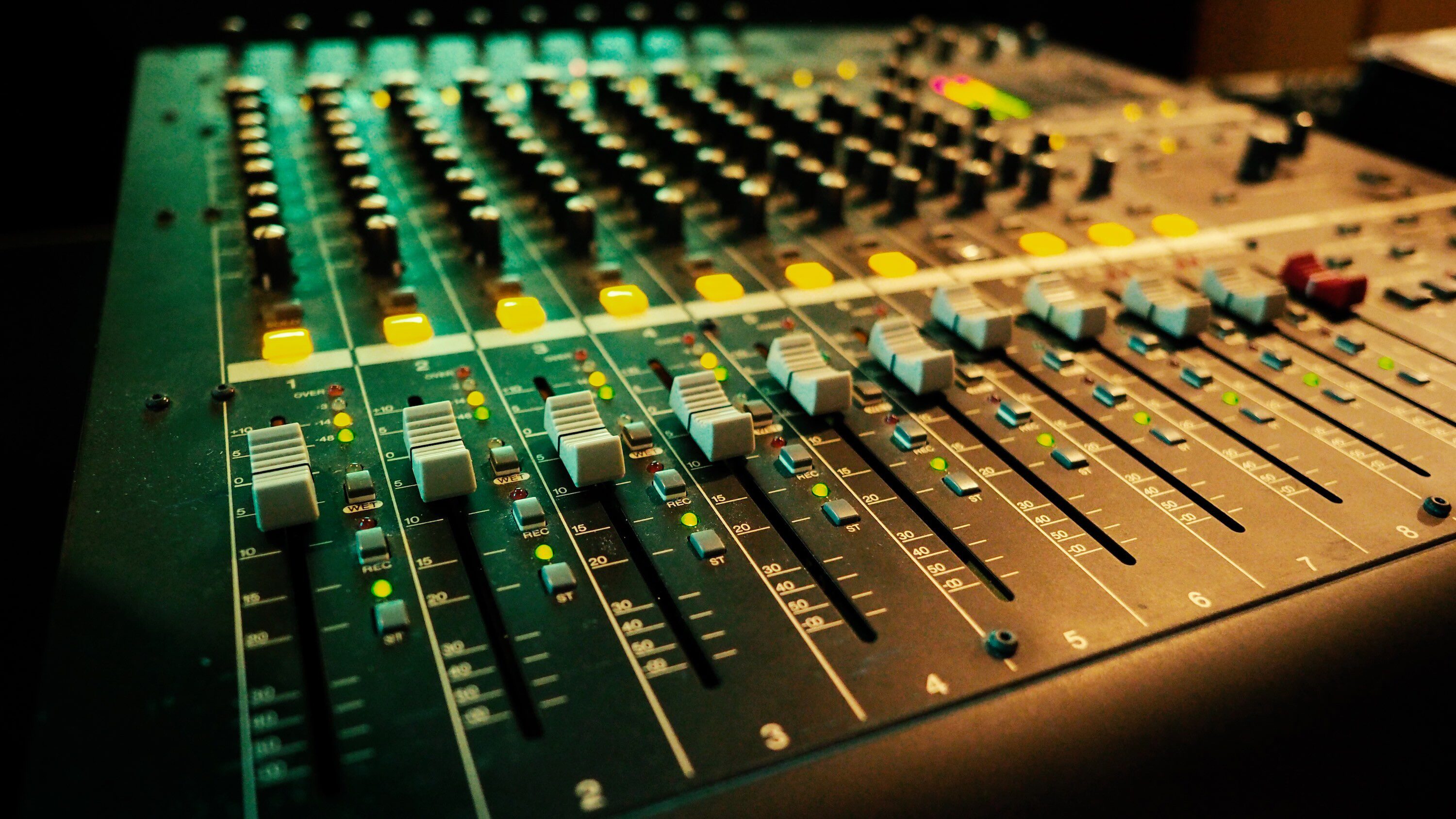
The budget and maintenance needed for audio processing exacerbated the gap between FM and internet radio stations. Traditionally, radio stations would need racks of clunky, expensive hardware. Hardware audio processors were difficult to set up and required an amount of specialist expertise.
Here at Radio.co, we want to change that.
We are democratising high-quality audio, helping your station create a signature sound that listeners recognise, enjoy, and trust. Faster, more reliable, and able to work/blend with a variety of genres, EDGE™ is the perfect fix/solution for a radio station that wants to stand out.
Setting up EDGE™ is quick and easy. The core features include:
- Automatic Gain Control (AGC): This is a leveller that brings quiet audio up and loud audio down naturally, keeping all aspects of your broadcast consistent.
- 5-Band Multiband Compression: This processes the different components of your audio - bass, mids, trebles - independently. It lifts and isolates the crisp “brightness” of your audio and shields it from any thin or piercing “harshness”.
- Limiting & Clipping: This maximises volume without distorting the audio, ensuring your station sounds competitive.
- Ultra-Low Latency: Our processor only adds 7.8ms of delay - well below the industry standard for noticeable broadcast lag.
EDGE™ also offers a selection of expert presets designed for a variety of radio station formats. It gives you the freedom to experiment and find your signature sound with a single click, using professionally curated presets like Club Dance for high-energy sets or Smooth Jazz for a relaxed, easy-listening vibe.

What Broadcasters Think of EDGE™
Some of our Radio.co clients have already enabled EDGE™ on their stations. So, we asked what they thought of it. Patrick Cromwell, from 6Pazzi Radio said:
The change is night and day. We’re loving the fuller and deeper sound that EDGE has brought to our stream. It gives our station a professional, high-end presence that was missing before. It’s exactly what we needed.
Similarly, Ruud Kooijman from KCCR - That's The Way The Cookie Crumbles FM - said:
Thanks, I absolutely love it! I was really hoping for an integrated audio processor, and EDGE exceeded my expectations. It takes the hassle out of levelling our tracks and gives our station a much cleaner, richer presence on-air.
We would love to hear your feedback, so let us know what you think here.
How to Get the Most Out of EDGE™
While EDGE™ is an incredibly powerful, easy-to-use tool that does most of the groundwork perfecting your sound, there are several things you can do to maximise your broadcast’s full potential.
Here’s our tips for getting the most out of EDGE™:
- Use High-Quality Audio Files: Audio processors can only improve what is already there. Where you can, upload high-quality music tracks to your Radio.co media library, preferably 320kbps MP3 files (or uncompressed WAV/FLAC). Processing heavily-compressed, low-quality files will only highlight their flaws and artificial digital artifacts.
- Invest in a Reliable Microphone: Your microphone is the gateway to your station’s authority, especially if you do live broadcasts. A poor-quality mic will pick up background noise and room echo, which EDGE™ may accidentally boost. Upgrading to a solid, high-quality broadcast microphone ensures your voice sounds warm, authoritative, and clear. Check out our Radio Equipment Guide for more guidance on creating the perfect radio setup regardless of budget.
- Monitor Input Levels: Ensure your DJ software, external mixer, or microphone levels aren’t pushing into the red while you broadcast. Keep your livestream input cleanly under 0db, to prevent "clipping" or distortion before your stream even reaches the cloud. Let EDGE™ handle the job of making your radio station sound loud and powerful safely.
- Take Regular Breaks: Listener fatigue also exists for hosts! When you are testing Radio.co’s presets to find the perfect station sound, “ear fatigue” can quickly set in. Take regular short breaks from listening, then return with fresh ears to make the final choices on what represents you and your brand the best.
- Conduct A/B Tests on Other Devices: Don’t just rely on your audio sounding good coming out of your own headphones or studio monitors. Put yourself in your listeners’ shoes. Tune into your station on your smart speaker, through cheap earphones, or via your car’s Bluetooth. A polished and perfectly processed stream should sound balanced and punchy across all formats.
Conclusion
In the past, radio station “big sound” was a luxury reserved for large FM stations with even larger budgets and expensive equipment. Today, the playing field has been levelled. Whether you’re broadcasting at home or in a studio, tools like EDGE™ ensure that your station carries the same authority and polish as a major commercial broadcaster.
Don’t let amateur sound or inconsistent audio hold you or your station back. By investing in Radio.co’s new EDGE™ Audio Processor, you’re committing to professional-grade sound that will set your station apart - no clunky tech or engineering degree required.
Let your listeners tune in to seamless audio, without needing to adjust their volume, curate a signature sound and brand identity, and enhance the listening experience with our EDGE™ Audio Processor.


