Need advice? Let's talk.
Get straightforward guidance from your broadcasting partner. Schedule a call to chat with the team about your radio station.
Book DemoNew Radio Apps for iOS and Android
Our iOS and Android radio apps now have Android Auto & Apple CarPlay. This guides covers how to create your radio apps or upgrade your existing ones.

Radio apps are a great way to stay connected with listeners in just a few taps. But they need to be fit for purpose. That's why we've added Android Auto & Apple CarPlay to our radio apps.
Why We've Added Android Auto & Apple CarPlay To Our Radio Apps
So much of radio listening happens in cars and vehicles. But controlling a station from your phone while driving can be dangerous. And in plenty of US states, it's illegal for that reason.
That's where Android Auto and Apple CarPlay come in. They mirror your smartphone's essential apps on to the car dashboard. This lets listeners use their app by using their steering wheel controls or voice commands.
Our Radio Apps Breakdown
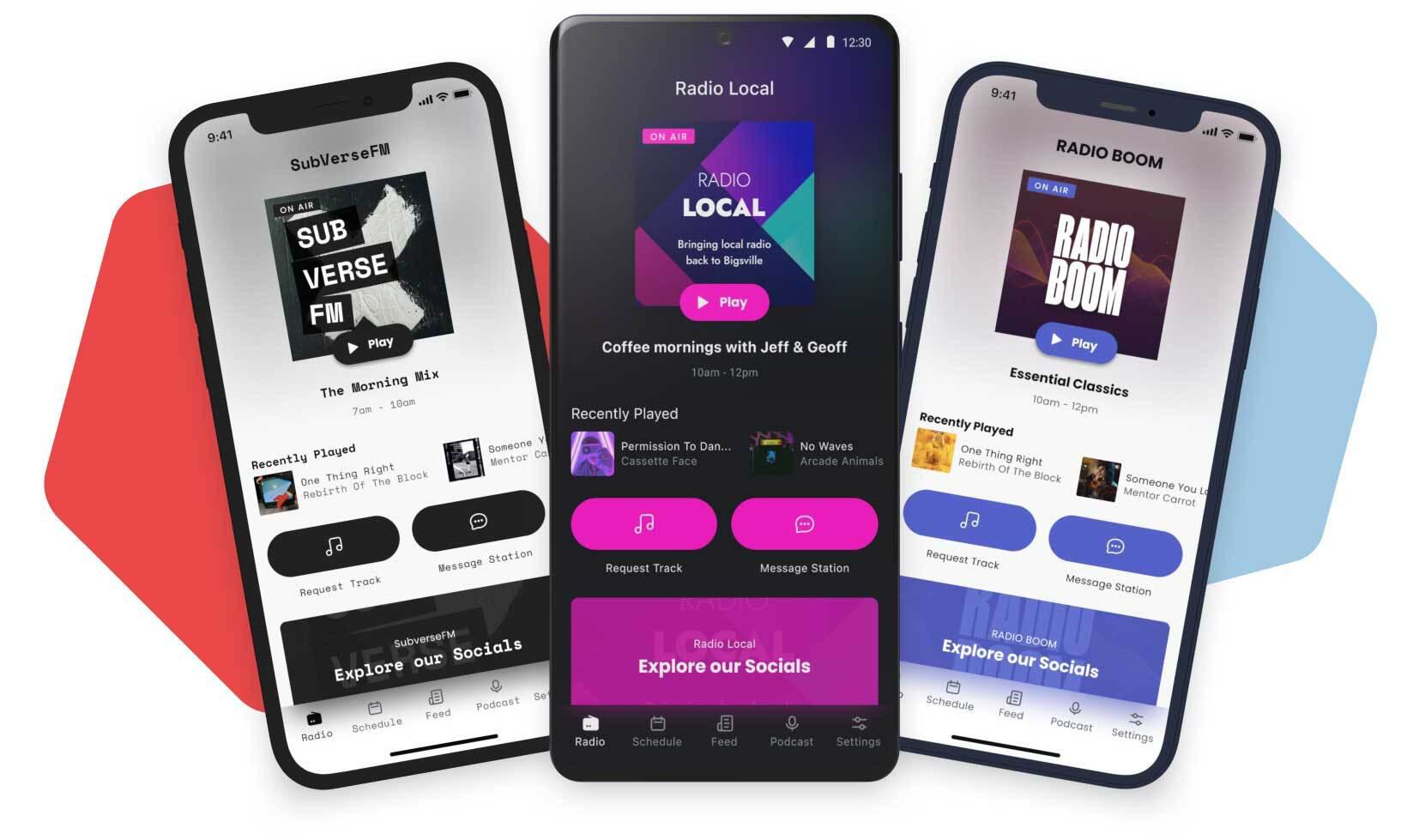
Our radio apps pack in all you need to give users a smooth listening experience. As well as easy ways to interact with your station. The result is modern custom iOS and Android apps that are out of the box ready for broadcasters.
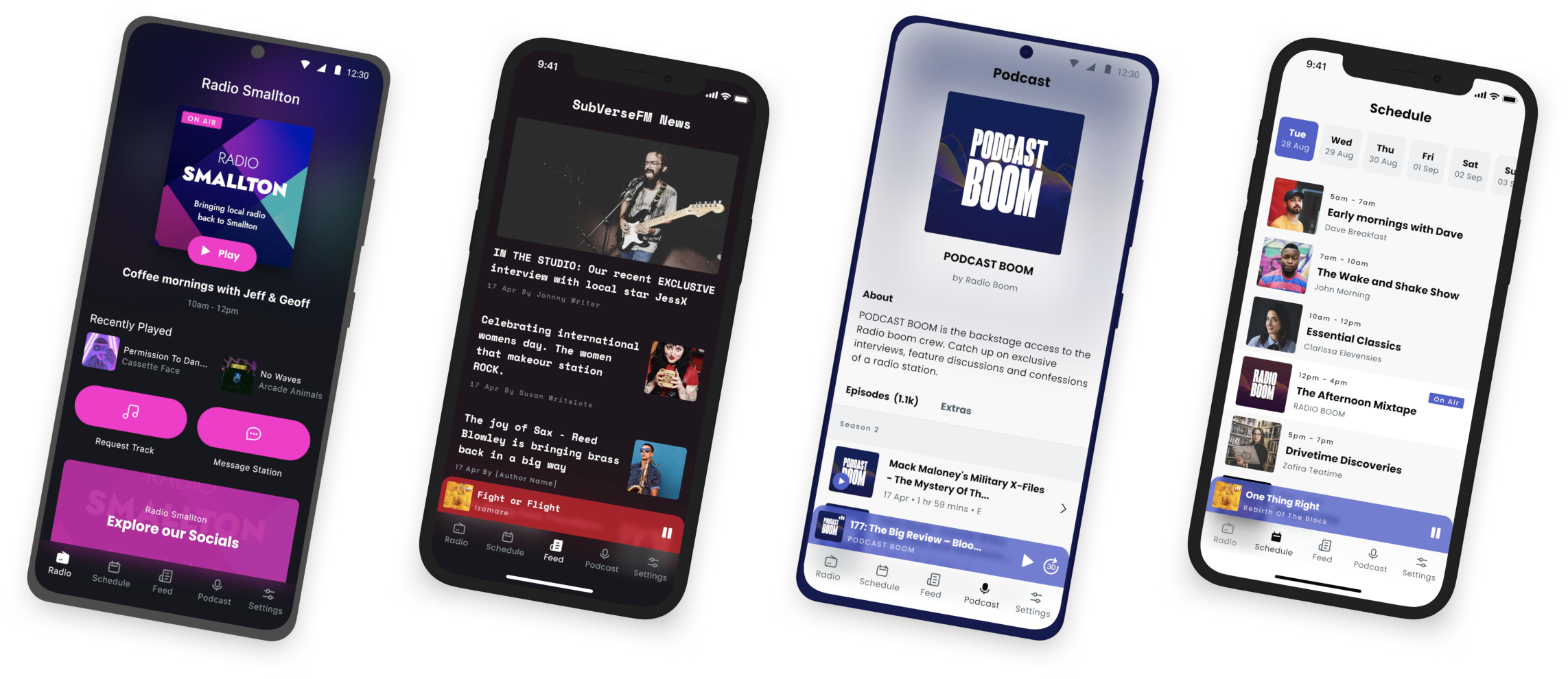
Our radio app features include:
- Schedule: Show what’s up next for the day or week.
- Android Auto & Apple CarPlay: Let listeners mirror the app onto their car dashboard, for safer listening.
- Podcast Feed: Catchup with shows on-demand.
- Messenger: Chat with listeners outbound using Facebook or WhatsApp.
- Track Requests: Play popular songs from your audience.
- Newsfeed: Keep listeners returning with regular updates.
- Campaigns: Update app home screen with images and outbound links.
- Push Notifications: Send alerts to grab your listener's attention.
- Light/Dark Modes: Go easy on the eyes with different modes.
- Text Themes: Match the tone of your station by choosing fonts.
And a few quality-of-life features to make the radio apps unique to your station.
Need Apps, Mobile for Your Pleasure
Once live, your apps will be available to anyone on an iOS or Android device.
But to get a handle on what you'll need before getting started, check out the app help guides. Alternatively, reach out to the team at studio@radio.co.


